Are you ready to turn your passion for wellness into a thriving, sustainable business? We invite you to join our upcoming How to Launch Your Wellness Brand 3-week online series designed to help you build, grow, and confidently position your brand in today’s evolving wellness landscape.
Throughout this series, you’ll gain practical tools and insights to move your business forward, including:
-
An overview of the wellness industry in 2026 and emerging opportunities
-
Guidance on building a strong, intentional brand that stands out
-
Clarity on identifying your passion, expertise, and defining your niche
-
Strategies to structure wellness programs for sustainable, long-term income
-
Tools to craft your business plan, including key legal and financial considerations
Plus, you can learn about funding opportunities and grants available to businesses in the wellness industry.
To participate, please register here: https://forms.gle/gb8Tq9ZbJLuKZmmP7. Once registered, you’ll be invited to attend a brief orientation session.
Classes officially begin on May 27.
About This Class
With Abby Feder
IN-PERSON at Jefferson Adult Education, 123 Edgemont Drive, Building B, Daly City, CA 94015, in Computer Room #132.
Make your products and services shine with our Creating Pricing Guides and Menus Using Canva workshop! Designed for small business owners, this online class will teach you how to create professional, visually appealing pricing guides and menus that reflect your brand. Using Canva’s easy-to-use tools, you’ll learn how to design layouts, choose fonts and colors, and highlight your offerings in a way that attracts customers and boosts sales. Perfect for retail and food businesses, boutiques, and service providers looking to make a lasting impression!
Interested in attending this event?
All clients must register for classes via your client portal account. Here’s how you can do it.
Already a Renaissance Client?
Log in to your client portal and access the calendar at the top of your screen
New to the Renaissance Community?
Get started by filling out a client interest form and attending an orientation.
**All clients must complete their forms and attend orientation before signing up for classes.**
About This Event
With Dr. Ana Boa-Ventura, PhD
Online via Zoom
WordPress is one of the most powerful and widely used website platforms, offering flexibility and scalability for businesses of all sizes. This workshop introduces the essential building blocks
of WordPress and explains how it compares with other popular platforms such as Wix and Squarespace. Participants will gain a clear understanding of how WordPress websites are
structured and how to select the right themes and tools.
We will also explore how new AI capabilities are transforming website creation—from content generation to SEO optimization—and discuss WooCommerce, WordPress’s powerful e-
commerce solution for businesses that want to sell online.
Participants will learn:
• The difference between WordPress, Wix, and Squarespace
• Key components of a WordPress website: themes, plugins, and pages
• How AI tools can assist with website content and optimization
• The basics of WooCommerce and online selling with WordPress
• How to choose a design template that fits your business goals
Interested in attending this event?
All clients must register for classes via your client portal account. Here’s how you can do it.
Already a Renaissance Client?
Log in to your client portal and access the calendar at the top of your screen
New to the Renaissance Community?
Get started by filling out a client interest form and attending an orientation.
**All clients must complete their forms and attend orientation before signing up for classes.**
About This Class
With Abby Feder
IN-PERSON at Jefferson Adult Education, 123 Edgemont Drive, Building B, Daly City, CA 94015, in Computer Room #132.
Make your products and services shine with our Creating Pricing Guides and Menus Using Canva workshop! Designed for small business owners, this online class will teach you how to create professional, visually appealing pricing guides and menus that reflect your brand. Using Canva’s easy-to-use tools, you’ll learn how to design layouts, choose fonts and colors, and highlight your offerings in a way that attracts customers and boosts sales. Perfect for retail and food businesses, boutiques, and service providers looking to make a lasting impression!
Interested in attending this event?
All clients must register for classes via your client portal account. Here’s how you can do it.
Already a Renaissance Client?
Log in to your client portal and access the calendar at the top of your screen
New to the Renaissance Community?
Get started by filling out a client interest form and attending an orientation.
**All clients must complete their forms and attend orientation before signing up for classes.**
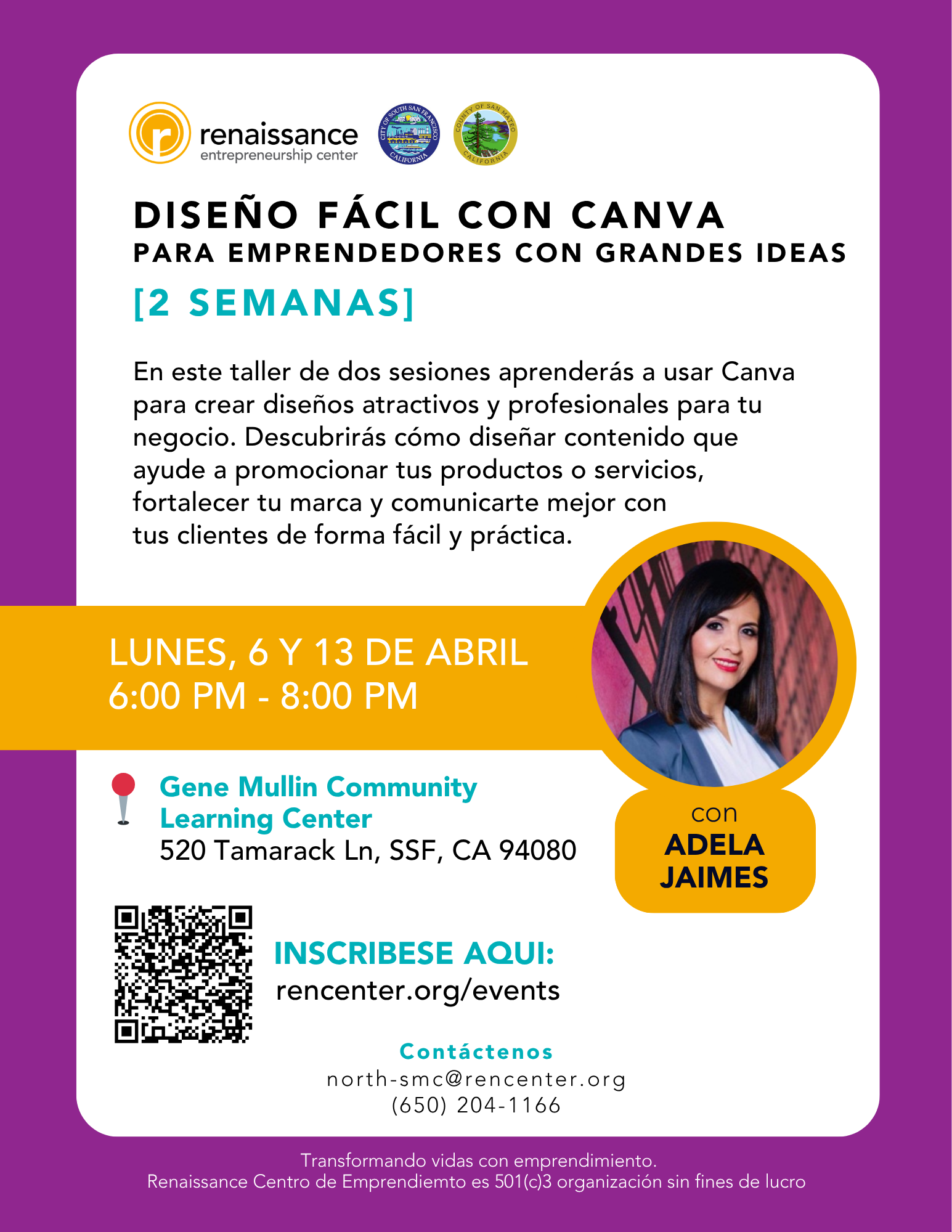
Sobre este Evento
con Adela Jaimes
Fechas: 6 y 13 de abril
EN PERSONA
Gene Mullin Community Learning Center
520 Tamarack Ln, South San Francisco, CA 94080
La clase será en el salón de computación.
En este taller de dos sesiones aprenderás a usar Canva para crear diseños atractivos y profesionales para tu negocio. Descubrirás cómo diseñar contenido que ayude a promocionar tus productos o servicios, fortalecer tu marca y comunicarte mejor con tus clientes de forma fácil y práctica.
Nota: Este taller se titulaba anteriormente ‘Aprende Canva’
¿Quieres asistir a esta clase?
Todos los clientes deben registrarse para las clases a través de su cuenta del portal del cliente. Así es como puedes hacerlo.
¿Ya es cliente de Renaissance?
Inicie sesión en su portal de clientes y acceda al calendario en la parte superior de su pantalla
¿Nuevo en la comunidad Renaissance?
Comience completando un formulario de interés del cliente y asistiendo a una orientación.
*Todos los clientes deben completar un formulario de interés y asistir a la orientación antes de inscribirse en las clases.*
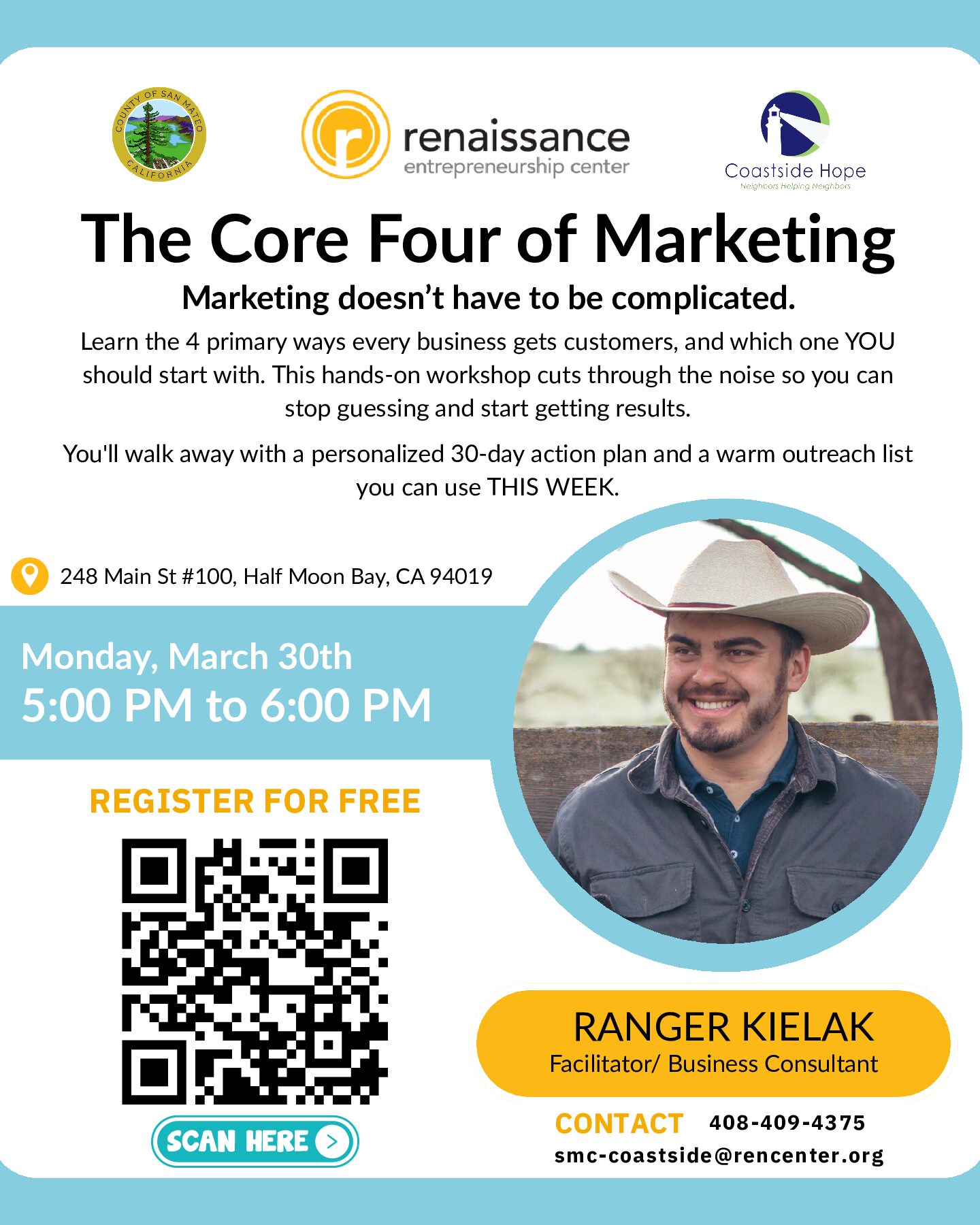
The Core Four of Marketing
A free workshop for Coastside business owners who are tired of guessing what works.
Learn the only 4 ways every business gets customers, and which one to start with.
You’ll leave with a 30-day action plan you can use this week.
Date: Monday, March 30th | 5–6 PM
Location: 248 Main St, Suite 100-D, Half Moon Bay
If you have additional questions please contact Lizzette Solis Direct: 408-409-4375
OR Instructor Ranger Kielak (650) 479-4398
Interested in attending this class?
We’re thrilled to have you! All clients must register for classes via your client portal account. Here’s how you can do it:
Already a Renaissance Client?
- Go to the Calendar: Navigate to the Calendar tab at your portal’s top left corner.
- Select & Enroll: Find your desired class, click on Enroll, answer the brief questions, and hit Submit.
New to the Renaissance Community?
- Orientation: Sign up for an orientation session and meet with a Renaissance team member who will work with you to assess your business needs.
- Post-Orientation Steps: Log into your new client portal after completing the orientation. Then, follow the steps outlined under “Already a Renaissance Client” to register for classes.
*All clients must complete orientation before attending classes*
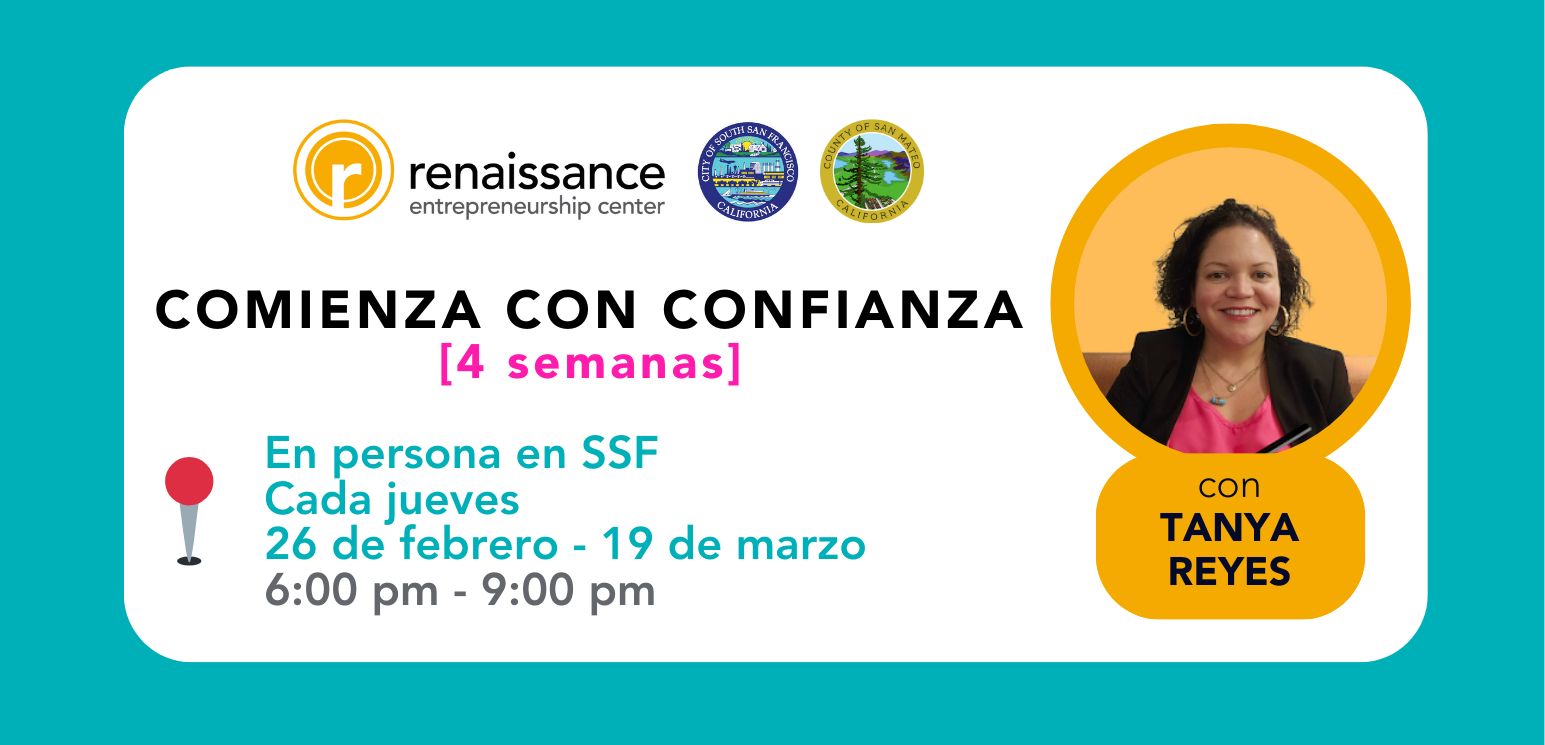
Sobre este clase
Esta clase se llevará a cabo durante 3 horas una vez a la semana durante nueve semanas en persona en el Centro de Avance Económico, en 366 Grand Ave., South San Francisco CA, 94080.
Todos los clientes deben registrarse para las clases a través de su cuenta del portal del cliente. Así es como puedes hacerlo.
¿Ya es cliente de Renaissance?
Inicie sesión en su portal de clientes y acceda al calendario en la parte superior de su pantalla
¿Nuevo en la comunidad Renaissance?
Comience completando un formulario de interés del cliente y asistiendo a una orientación.
*Todos los clientes deben completar un formulario de interés y asistir a la orientación antes de inscribirse en las clases.*
About This Event
With Dr. Ana Boa-Ventura, PhD
Online via Zoom
When potential customers search online, will they find your business—or your competitors? Search Engine Optimization (SEO) helps small businesses attract qualified leads without relying entirely on paid ads.
Today, however, search is evolving. AI-powered search results, summaries, and recommendations are changing how people discover businesses online. This workshop explains how search engines work today—and how small business owners can adapt their websites and content so they remain visible in this new landscape.
Participants will learn practical, non-technical strategies to improve their online visibility and better align their websites with how customers search.
In This Workshop You Will Learn
- How Google and AI-driven search results decide which businesses appear
- The difference between SEO, Google Business Profile, and paid advertising
- How to identify the search terms your customers actually use
- The importance of local SEO for service-based businesses
- Simple ways to improve website pages so both Google and AI understand your business
- Common SEO mistakes small businesses make
Interested in attending this event?
All clients must register for classes via your client portal account. Here’s how you can do it.
Already a Renaissance Client?
Log in to your client portal and access the calendar at the top of your screen
New to the Renaissance Community?
Get started by filling out a client interest form and attending an orientation.
**All clients must complete their forms and attend orientation before signing up for classes.**
About This Event
With Dr. Mimi Zhou, PhD
Online via Zoom
For every dollar spent on email marketing, most businesses see a return of $10-36.* This means email marketing is THE most valuable asset your business can have.
In this class, we’ll cover:
- How to collect emails and build your list
- What to send in terms of nurture and sales content
- How to avoid mistakes and optimize for success
Join us and let’s get your emails working to bring in sales!
*Source: Litmus.com
Interested in attending this event?
All clients must register for classes via your client portal account. Here’s how you can do it.
Already a Renaissance Client?
Log in to your client portal and access the calendar at the top of your screen
New to the Renaissance Community?
Get started by filling out a client interest form and attending an orientation.
**All clients must complete their forms and attend orientation before signing up for classes.**
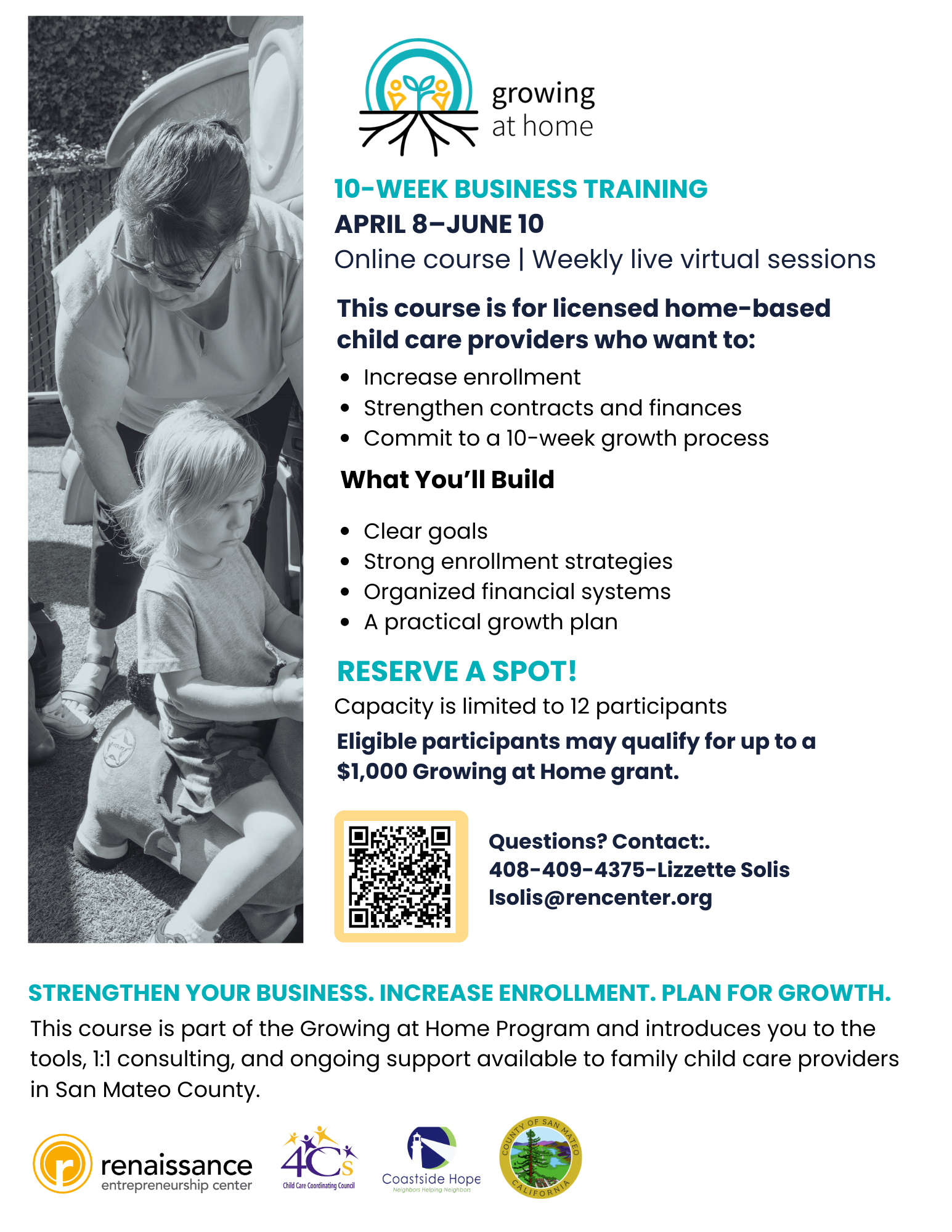
10-Week Business Training
April 8–June 10 6:00-9:00PM
Online course | Weekly live virtual sessions
This course is for licensed home-based child care providers who want to:
- Increase enrollment
- Strengthen contracts and finances
- Commit to a 10-week growth process
What You’ll Build
- Clear goals
- Strong enrollment strategies
- Organized financial systems
- A practical growth plan
Reserve a spot!
Capacity is limited to 12 participants.
Eligible participants may qualify for up to a $1,000 Growing at Home grant.
Strengthen your business. Increase enrollment. Plan for growth.
This course is part of the Growing at Home Program and introduces you to the tools, 1:1 consulting, and ongoing support available to family child care providers in San Mateo County.
Questions? Contact:
408-409-4375-Lizzette Solis
lsolis@rencenter.org


