


Below are the Renaissance classes and programs schedule. You need to be a client to register for these classes. If you are a client, log in to the client portal here. If you are new, get started here.
*To find classes available in Spanish, please click the ‘Event Category’ button and choose ‘En español’ from the options provided.

- This event has passed.
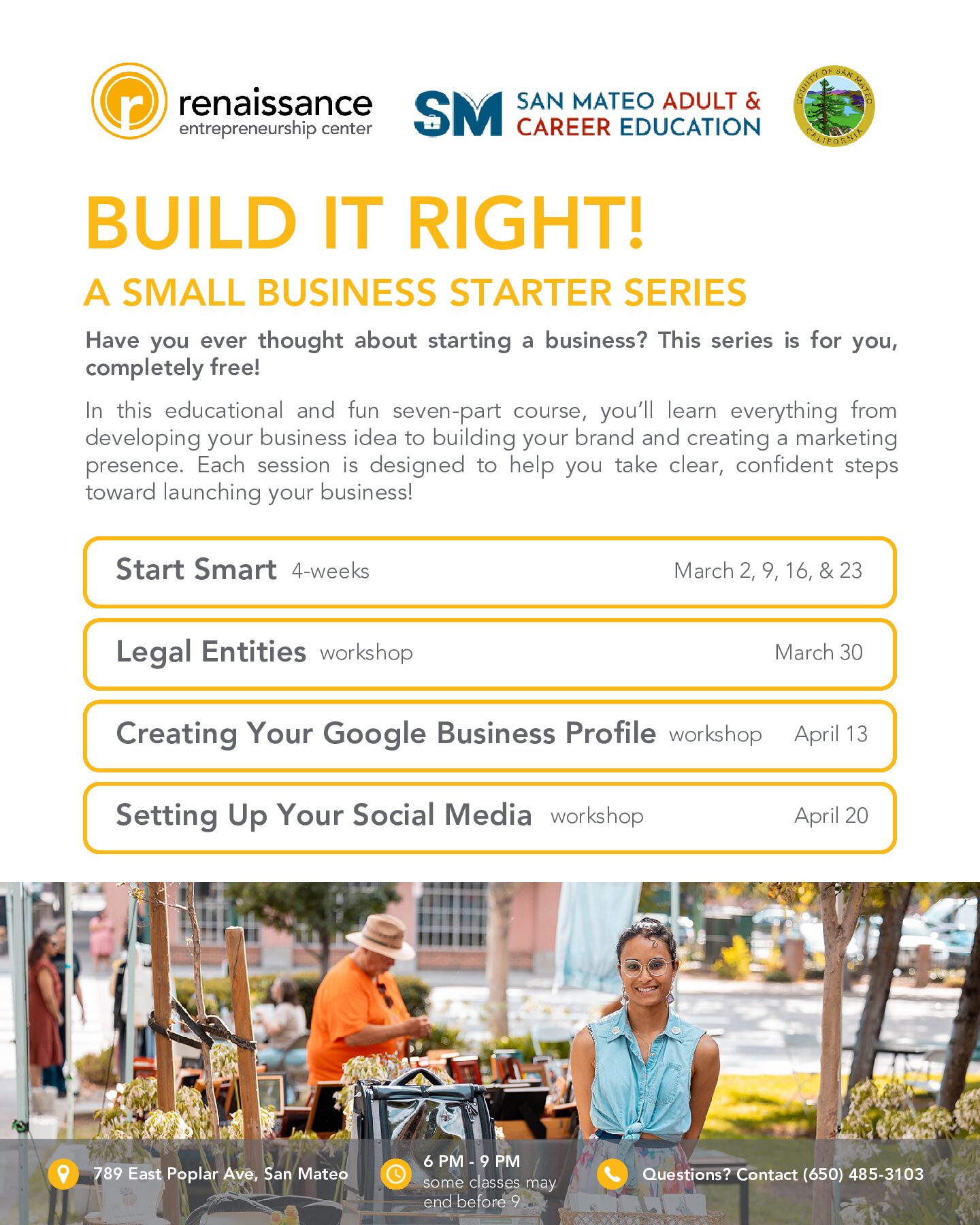
Creating Your Google Business Profile (SMACE 4/13/2026)
April 13 @ 6:00 pm - 8:00 pm
What you will learn:
- Verify your location
- Input accurate business details
- manage customer reviews
- post updates
- analyze performance insights
- and boost local visibility to attract customers
Interested in attending this class?
We’re thrilled to have you! All clients must register for classes via your client portal account. Here’s how you can do it:
Already a Renaissance Client?
- Log in to your client portal
- Go to the Calendar: Navigate to the Calendar tab at your portal’s top left corner.
- Select & Enroll: Find your desired class, click on Enroll, answer the brief questions, and hit Submit.
New to the Renaissance Community?
- Get started by filling out a client interest form and creating your client portal.
- Orientation: Sign up for an orientation session and meet with a Renaissance team member who will work with you to assess your business needs.
- Post-Orientation Steps: Log into your new client portal after completing the orientation. Then, follow the steps outlined under “Already a Renaissance Client” to register for classes.
*All clients must complete orientation before attending classes*